WhatsApp-first contact center · US · Canada · EU · Africa
+212 763 764 899Client areaFR
whtapis.WhatsApp Business API
Integrations

One CRM connection. All four channels flow through it.

We identify the customer from your CRM before the call connects and write the interaction back the moment it ends. Where your teams prefer to stay inside the CRM, the whole workspace embeds there.

Activate an account
How one conversation flowslive
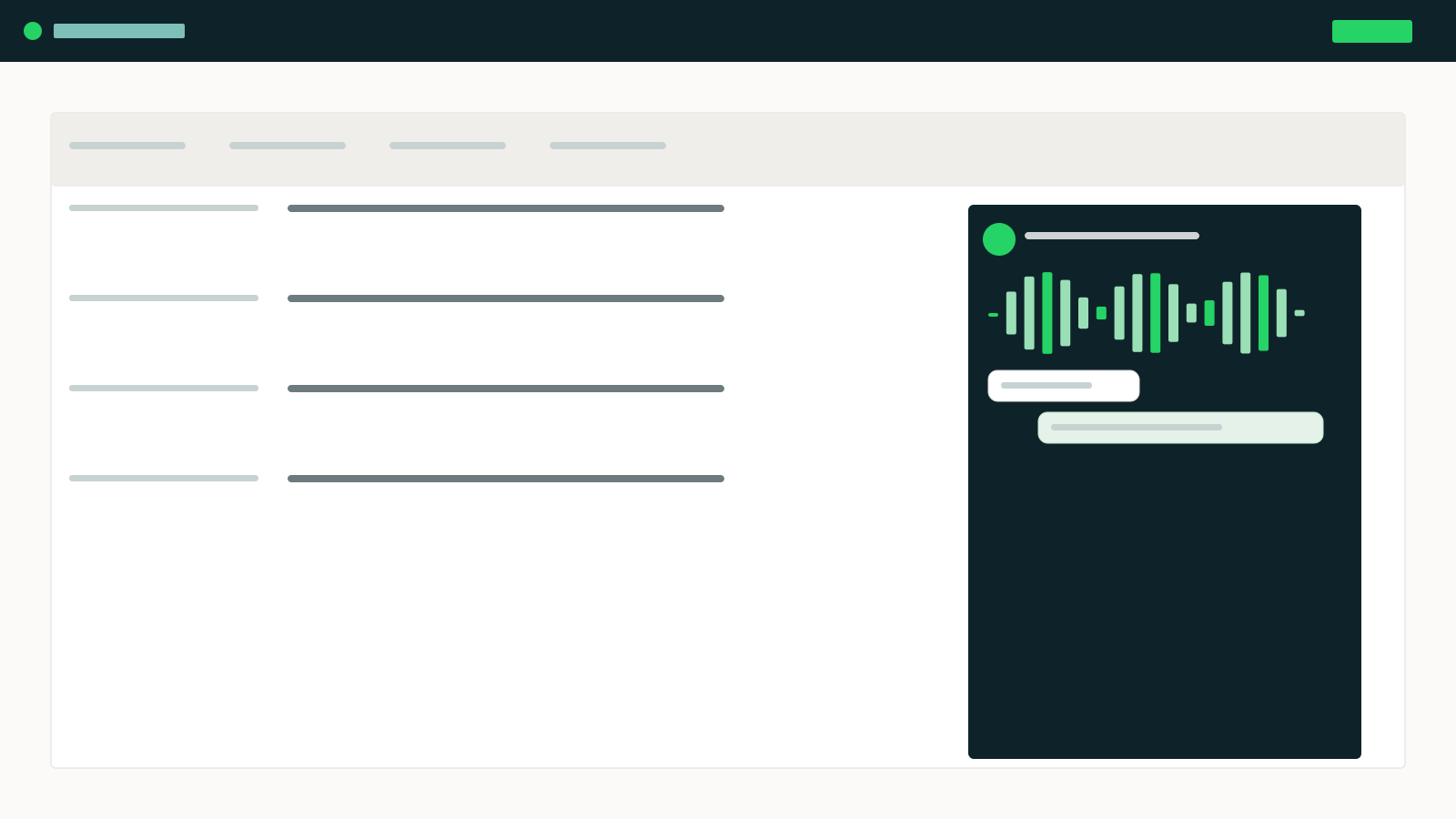
Channels in
CRM / ERP
API / SDK
WhatsApp
WhatsApp Voice
whtapis core
systems of record
identify · unifyroute · SLAclassify · AI
Where it lands
Queues
Agents
AI agents
CRM / ERP
Standalone or embeddedwrite-back to CRM

Four levels of integration

Each level is additive, and none requires replacing what you have.

Level 01
Identify
We look the customer up in your CRM by phone number or WhatsApp ID before the conversation is routed.
Read-only API credentials. Live the same day.
Level 02
Context and write-back
The agent sees the record, the open order and the ticket. Interaction, recording, transcript and disposition are written back on completion.
Field mapping workshop, typically one week.
Level 03
Embedded workspace
The softphone, the thread and the queue live inside your CRM. Agents never leave the system they already know.
CRM SDK install and packaging, two to three weeks.
Level 04
Process automation
Interaction events drive your workflows: cases, tasks, approvals, campaign triggers and AI-agent actions against your systems.
Scoped per workflow with your integration team.

Connectors

SalesforceNative
Service Cloud and Sales Cloud: embedded softphone, screen pop, task and activity write-back, Omni-Channel presence.
CRM
HubSpotNative
Contact and deal timeline write-back, embedded conversation panel, workflow triggers on interaction events.
CRM
Microsoft DynamicsNative
365 Customer Service and Sales: channel integration framework, unified routing hand-off, case write-back.
CRM
SAPNative
S/4HANA and Sales/Service Cloud: customer lookup, order and invoice context, interaction logging.
ERP
OracleCertified
Fusion and CX: customer and order context for the agent, activity write-back on completion.
ERP
InfobipNative
Channel interconnect for SMS and voice where you already hold an Infobip account and rates.
Channels
ZendeskNative
Ticket create and update from any channel, SLA sync, macro and knowledge-base access in the agent pane.
Ticketing
FreshdeskCertified
Ticket lifecycle sync and agent context, with disposition mapping to Freshdesk fields.
Ticketing
ShopifyNative
Order, shipment and catalogue lookup, cart recovery triggers and return status inside the thread.
Commerce
WooCommerceCertified
Order and customer lookup over the REST API, with order-status automations.
Commerce
OdooCertified
Customer, order and invoice context, plus activity logging against the partner record.
ERP
ServiceNowCertified
Incident and request context, CSM case write-back and assignment-group routing.
Ticketing
Power BINative
Documented schema over the reporting API for dashboards built by your own analysts.
Data
SnowflakeNative
Continuous interaction-level load, with schema versioning and backfill.
Data
REST & webhooksOpen API
Anything not on this list: read customer context, push events, write activity, with signed payloads.
Data
SFTP & flat fileOpen API
Scheduled batch exchange for systems without an API, including nightly reconciliation.
Data

Vendor names are used to identify the systems we connect to. They do not imply any partnership or endorsement unless stated.

whtapis — integrations shot embedded
The workspace embedded in the CRM — softphone, thread and queue on the record the agent is viewing.
What moves between systems

Identification in, activity out.

Deliberately small: we read enough to recognise the customer and show the right context, and write back what happened. No shadow copy of your CRM.

Field-level API reference
Read
Customer identity and contact details
Open orders, cases and tickets
Entitlement, contract and tier
Account owner and assigned team
Consent and communication preferences
Write
Interaction record with channel and duration
Recording and transcript references
Disposition and resolution notes
AI-agent summary and escalation reason
Follow-up tasks and next steps

Nothing on the list?

Open REST API
Every capability the connectors use is available to you directly, documented and versioned.
Webhooks
Subscribe to interaction, queue and agent events with signed, retried delivery.
SDKs
JavaScript, Python, Java and .NET, plus CRM-specific packages for embedding the workspace.
Who you work with

Integration is a conversation between two teams.

Our engineers work directly with your CRM or ERP owner, so the connector fits how your record actually looks rather than how the documentation assumes it does.

whtapis — person engineer
An integration engineer from our team.
Photo: two people at a whiteboard or screen
Mapping fields with your CRM owner.
whtapis — person engineer
Your system-of-record owner stays in control.

Placeholder frames — drop your own photographs in. Each caption says what the shot should show.

Your CRM record, in the agent pane

The console your team works in every day.

Identification before the call connects, and write-back the moment it ends.

app.whtapis.com/inbox/support
whtapis
Inbox
Voice
Campaigns
Wallboard
Reports
Numbers
Team
Settings
JMJulie M.
Team inbox — Supportlive
WhatsApp chat9
WhatsApp voice4
SMS3
VoIP / DID2
Telephony1
Conversations14 open
SW Sarah Whitfield Order 41-2298 still not delivered live
ÉT Émile Tremblay Called back about the refund answered
AK Anna Kowalski +33 1 •• •• 09 — on hold over SLA
KT Karim Touhami Asked for a new delivery slot in SLA
LM Leïla Mansouri Handed off by AI agent AI agent
Sarah Whitfield · WhatsApp
Hi, my order 41-2298 was due Tuesday and it has still not arrived. 09:41
I can see it — the carrier scanned it into the Casablanca hub this morning. I can book a new delivery window for you. 09:42 · Julie
Thursday afternoon would work. Can I call you about it? 09:43
Customer context
Customer sinceMarch 2024
Open order41-2298
CRM recordSalesforce · synced

One inbox for WhatsApp messages, WhatsApp voice, SMS and your DID lines. The agent sees the thread, the order and the CRM record without switching tools.

Activate an accountTour the platform
One integration, four channels

Your CRM connects once and receives telephony, SMS, WhatsApp messaging and voice.

Most businesses buy these four from four vendors. Here they share one queue, one customer record and one bill.

All four land here: one queueone customer recordone set of reportsone bill
Your accounts or ours

Bring your own, or we provide it.

Every connection can come from you or from us — and you can mix per country. Switch later without changing platforms.

Service
Bring your own
We provide it
WhatsApp Business Account
Connect your existing WABA and numbers
We create it under your Meta portfolio
SIP trunk
Point your carrier trunk at us, keep your rates
Our trunk, billed per minute
DID numbers
Keep your ranges, or port them in
Local numbers in most countries
SMS gateway
Plug in your gateway, sender IDs and rates
Our gateway, billed per message
PBX / telephony
Your PBX stays in place behind us
Cloud telephony, no hardware
CRM / ERP
Salesforce, HubSpot, Dynamics, SAP and more
Built-in customer record

Most customers mix: their own trunk in one country, our numbers in another.

Tell us what you run. We will tell you what it takes.

CRM, ERP, ticketing, telephony and gateway — one scoping call is usually enough to give you an integration plan.
Activate an accountTalk to sales
GDPRISO 27001 alignedData residency EU · US · AfricaWhatsApp Business Solution Provider